Documentation & FAQ
Will I be logged out after the reset?
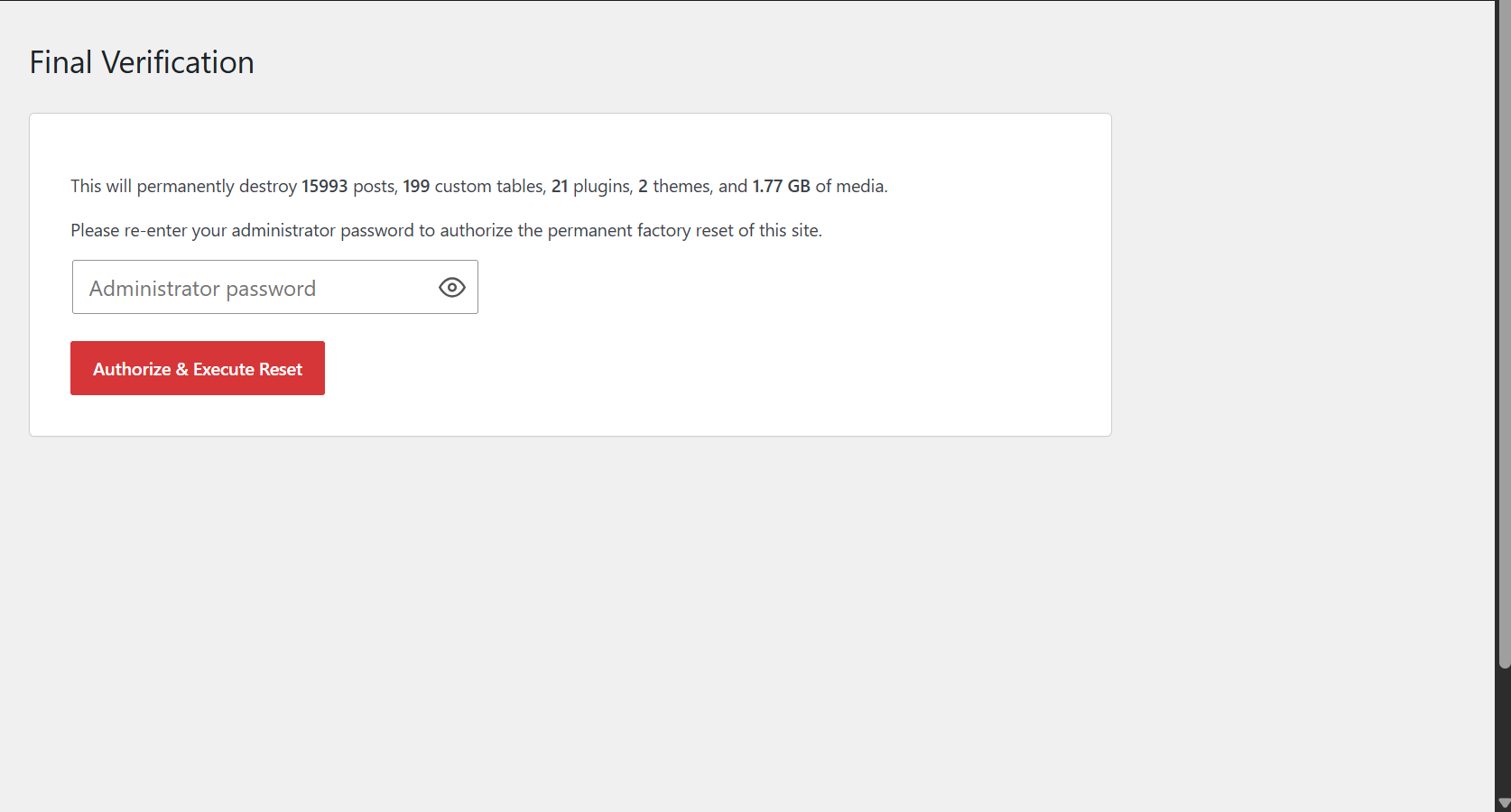
No. Your active session token and administrator account are strictly preserved. You will remain logged in seamlessly.
What does the database look like after a reset?
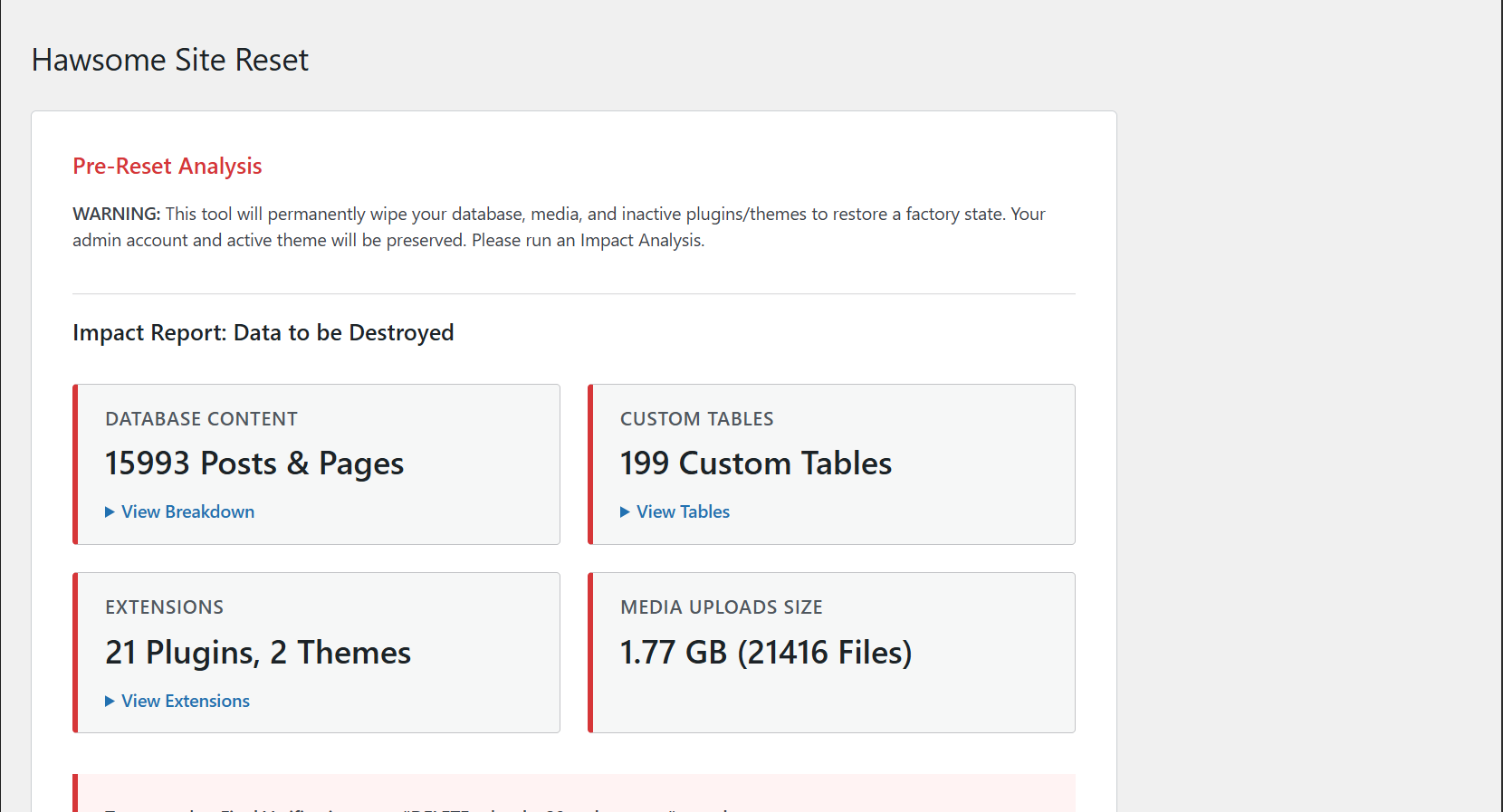
The reset runs wp_install_defaults(), which creates the default "Hello World" post, a "Sample Page", and a default navigation menu, identical to a fresh WordPress installation. The database is not completely empty; it mirrors a brand-new install.
What happens to my active theme?
Your currently active theme is completely shielded from the filesystem wipe and remains 100% active. Every other theme, whether active or inactive, is permanently deleted from the server.
Will this delete my other active plugins, not just inactive ones?
Yes. Every plugin except Hawsome Site Reset itself is permanently deleted from the server during the filesystem wipe, regardless of whether it was active or inactive. This is a full plugin wipe, not a selective cleanup. Do not run a reset on a site with plugins you intend to keep.
Does this delete must-use plugins?
No. The wp-content/mu-plugins/ directory and all of its contents are explicitly protected during the filesystem wipe. This includes host-injected mu-plugins on managed hosts like WP Engine, Kinsta, and Pressable.
Will this delete caching drop-ins?
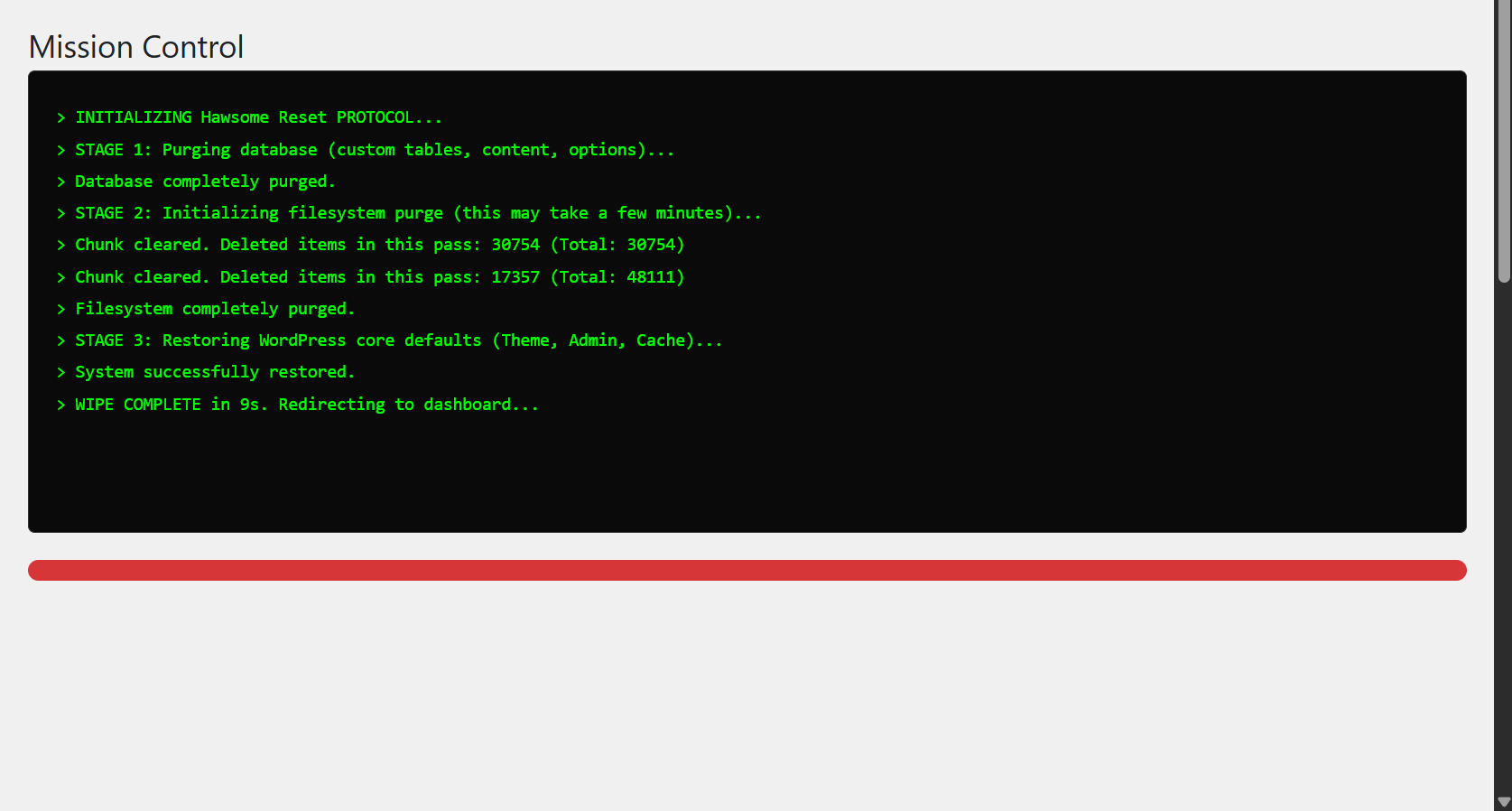
Yes. The plugin scans the wp-content root and permanently removes files like advanced-cache.php and objectcache.php to prevent fatal errors after reboot.
How do I permanently disable the plugin on a production environment?
Add the following constant to your wp-config.php:
define( 'DISABLE_HAWSOME_RESET', true );
When set, the plugin's reset functionality is completely disabled. Useful for environments where the plugin is installed but should never be triggerable.
Is there a hook I can use to run my own code after a reset?
Yes. The hawsome_reset_executed action fires immediately after a successful reset, before the terminal redirects. It passes the user ID (integer) and IP address (string) of the admin who triggered it. Suited for external notifications: webhooks, Slack, logging services.
add_action( 'hawsome_reset_executed', function( $user_id, $ip ) { /* your code */ }, 10, 2 );
Does this plugin work with SQLite databases?
No. MySQL or MariaDB is required. The plugin detects a SQLite backend and blocks the reset with a clear error message before any destructive action occurs.